- 1 Reviews feed the prominence part of Google’s local ranking
- 2 What Google allows and forbids when you ask for reviews
- 3 A review system that runs itself starts with one link
- 4 Ask when the job is done, not three weeks later
- 5 Reply to every review, including the bad ones
- 6 You can finish this before lunch
How do you get more Google reviews for a small business without breaking Google’s rules? You ask every real customer, right when the job is done, with a direct review link, and you reply to what comes back. No gift cards, no “10% off for five stars”, no asking only the happy ones. Reviews are one of the few parts of small business SEO you can set up yourself this week, and Google spells out both why they count and exactly where the line is. Here’s the system, and the rulebook that goes with it.
Reviews feed the prominence part of Google’s local ranking
Google’s own help page on how local ranking works names three factors: relevance, distance and prominence. Prominence “means how well-known a business is,” and Google says it’s “based on info like how many websites link to your business and how many reviews you have. More reviews and positive ratings can help your business’s local ranking.”
The same page carries a line every owner should read twice: “There’s no way to request or pay for a better local ranking on Google.”
So look at what you actually control. You can’t move your shop closer to every searcher. Relevance you fix once, with the right categories and services on your profile, which is the boring answer to local SEO that keeps turning out to be right. Prominence is links and reviews. Links come from relationships in your community, and those take months. Reviews come from a system, and you can build one in an afternoon. When I worked local SEO for service-based businesses on a real Cookeville remodeler, a perfect 5.0 from 10 reviews still lost two close map spots to a kitchen showroom with 67.
What Google allows and forbids when you ask for reviews
Google’s Maps user-generated content policy is the rulebook, and it’s more specific than most owners expect. Under “Fake engagement” and “Rating manipulation” it says merchants may not “Offer incentives – such as payment, discounts, free goods and/or services – in exchange for posting any review or revision or removal of a negative review,” and may not “Discourage or prohibit negative reviews, or selectively solicit positive reviews from customers.”
| You can | You can’t |
|---|---|
| Ask every customer who had a real experience | Ask only the customers you expect to be happy |
| Send a review link by email, text or receipt | Offer payment, discounts or free goods for a review |
| Thank people for their time | Pay or reward someone to change or remove a negative review |
| Let the customer write whatever they want | Ask for specific content, like a staff member’s name |
| Send the request after they leave | Require or pressure a review while they’re on the premises |
| Ask staff to mention the review link | Give staff a quota of reviews to collect |
The policy also rules out reviews based on a conflict of interest, which it says “may include current or former employment” and “familial relationships.” Your employees and your mom are out.
The one most owners trip over is selective soliciting. If your review tool asks “How did we do?” first and only sends the thumbs-up people to Google, that’s selectively soliciting positive reviews by Google’s own wording. My take: turn that feature off, even if the software came with it on. Google’s tips page actually argues the other side for you: “A mix of positive and negative feedback often feels more trustworthy.”
What’s left is simple. Google says merchants may “Solicit or encourage the posting of content that does represent a genuine experience, without offering incentives to do so or attempting to influence the rating or the contents of the review.” Ask everyone. Ask plainly. Then get out of the way.
A review system that runs itself starts with one link
Drew Dorenfest builds marketing automation for small businesses, and when he walked me through the tools he uses, his review setup was the part that stuck:
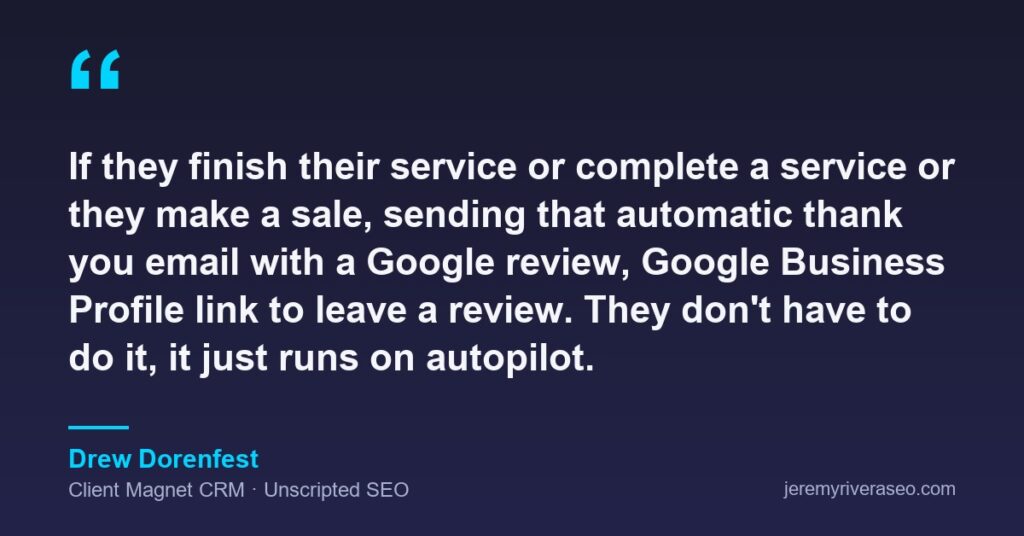
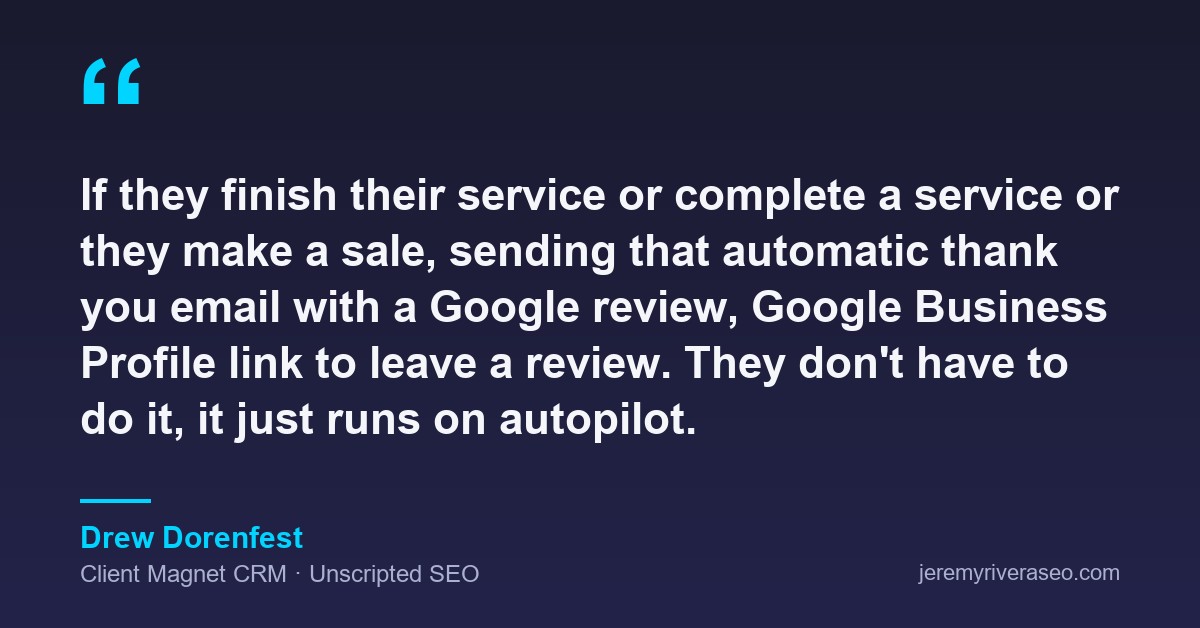
“If they finish their service or complete a service or they make a sale, sending that automatic thank you email with a Google review, Google Business Profile link to leave a review. They don’t have to do it, it just runs on autopilot.”
— Drew Dorenfest, Client Magnet CRM, Unscripted SEO
The owner never has to remember to ask. Here’s how you build the same thing:
- Copy your review link. Per Google’s instructions, open your Business Profile, select Read reviews, then Get more reviews, then Copy. The QR code version can only be generated in a computer browser, not on a phone.
- Pick the trigger you already have. A job marked complete, an invoice paid, an order shipped. Whatever your booking, invoicing or CRM tool already records is the moment the email fires.
- Write two sentences. “Thanks for having us out today. If you have a minute, you can leave us a Google review here: [link].” No star count, no staff names, no offer.
- Send it to everyone. No filter, no happy-customer survey in front of it.
- Put the QR code where people already look. Google suggests receipts, thank-you emails, the end of a chat and a printed code in the store.
Ask when the job is done, not three weeks later
Dorenfest’s trigger is the finished service or the sale, and that timing is the point. A request that lands the same day reads like a thank-you. One that shows up three weeks later reads like a chore, and the customer has already forgotten the details that make a review useful to the next person. That’s my judgement, not a Google rule, and it’s why the automation matters: it never forgets.
There’s one limit on “right away.” The policy says merchants “should not require or pressure users to leave ratings or write reviews while on the premises.” Handing someone a tablet at the counter and waiting is the pressure version. A card with the QR code, or an email that arrives after they drive off, is the version that lets them say no.
If several people work under one roof, make sure the link goes to the right profile. That question gets messy fast, as the answers to whether tattoo artists can each have their own Business Profile showed.
Reply to every review, including the bad ones
Asking is half the system. Google’s ranking page says “When you reply to customer reviews, it shows that you value their feedback. Positive reviews and helpful replies can help your business stand out.” The next person deciding between you and the shop down the road reads those replies. Attorney Lem Garcia told me that getting reviews before his competitors did is what built his practice.
Google’s guidance on writing replies is short and worth following:
- Skip the copy-paste “thank you.” Google suggests you “focus on reviews where you can share a helpful update or answer a question.”
- Don’t sell in a reply. Reviewers are already customers, so “avoid using your response to offer deals or promotions.”
- On a bad review, never share the reviewer’s private information. If it’s complicated, ask them to call or email so you can sort it out privately.
- Reply promptly, and sign it with your name or initials.
If a review breaks Google’s content policies, you can flag it. An honest two-star with a calm, specific reply often does more for you than another unexplained five.
You can finish this before lunch
Copy the link today. Wire it to the thing that already happens when a job ends. Then go answer the reviews you already have, starting with the oldest one nobody replied to. Reviews are one piece of the basics of small business SEO, and you don’t need anybody’s permission to start.
If you’d rather have someone look at your Business Profile with you and point at what to fix first, book a free 30-minute call. If you’re around the Upper Cumberland, Cookeville SEO is home turf, and my Coffee & Links meetup there is free.