What can you actually do for your own SEO in one afternoon, without hiring anybody? More than most agencies will tell you. Here’s the list: verify your site in Google Search Console, connect Google Analytics, claim your Google Business Profile, give every page its own title and meta description, use one clear H1, write real alt text, and make sure you have an about page, internal links and clean navigation. Then skip the meta keywords tag, because Google doesn’t read it. That’s the DIY floor of small business SEO, and you can get through it this week.
None of these steps costs money, and most come straight from Google’s own documentation, linked as we go.
- Verify your site in Search Console and run a
site:check. - Connect Google Analytics (GA4).
- Claim and verify your Google Business Profile.
- Write a unique title tag and meta description for every page.
- Use one H1 per page and sensible headings under it.
- Describe your images in the alt text.
- Add an about page, internal links and clean navigation.
- Skip the meta keywords tag and don’t stuff keywords anywhere.
Start by finding out what Google already sees
You can’t fix what you can’t see, so the first hour goes to Google’s free tools. Add your site to Google Search Console. Google makes you prove you own the site first, usually with a DNS record or an HTML tag your web host or developer can add for you.
While that verifies, do the cheapest SEO check there is. Type site:yourdomain.com into Google. Google’s SEO Starter Guide recommends exactly this to see whether your pages are in the index at all. If your services page doesn’t show up, no amount of keyword work will help it, and you’ve just found your first real problem.
Next, set up Google Analytics: create a property, add a data stream and put the tag on your site. Search Console tells you who saw you in search. Analytics tells you what they did after they clicked. You want both, because a visit that never turns into a call or a form isn’t doing anything for you.
Your Google Business Profile does local work your homepage can’t
If you serve customers in a town, your Google Business Profile is the listing that shows up in the map results. Verify it so you’re the one who controls the name, hours and phone number. Google is blunt about why: verification “tells Google that you’re authorized to represent the business, so it’s more likely to show up in search results,” and “businesses with complete and accurate info are more likely to show up in local search results,” per Google Business Profile Help.
For a contractor starting from zero, Josh Thompson’s first five moves are a good order of operations: website, profile, name, map pin and phone numbers everywhere.
Fill in every field. Categories, service area, hours, photos. That same help page lists the three things Google weighs for local results: relevance, distance and prominence. You can’t move your shop closer to the customer. You can make the profile relevant and complete this afternoon.
Every page gets its own title, description and H1
Well, the truth is that themes and page builders fill in default titles, and nobody goes back to change them. Google’s Starter Guide says “a good title is unique to the page, clear and concise, and accurately describes the contents of the page.” A good meta description, per the same guide, is “short, unique to one particular page, and includes the most relevant points of the page.” Ten pages titled “Home | Smith Plumbing” tell Google nothing about which page answers which question.
Then give each page one H1 that tells a human what the page is about, with sensible H2s under it. Google says there’s “no magical, ideal amount of headings,” so don’t chase a number. I wrote up how I split the jobs between the two in H1 for humans, title for machines if you want the longer version.
Alt text describes the picture, not your keyword list
Describe what’s actually in the photo: “crew installing a cedar privacy fence,” not “fence company fencing contractor best fence.” Google’s image SEO guidance warns that filling alt attributes with keywords “results in a negative user experience and may cause your site to be seen as spam.”
Skip the meta keywords tag
Leave the meta keywords box empty, even when your SEO plugin still asks for it. The Starter Guide says it plainly: “Google Search doesn’t use the keywords meta tag.” It also says “keyword stuffing is against Google’s spam policies.” So the old trick of repeating your service and city twenty times in the footer can hurt you, not help.
An about page and clean navigation get you off the starting line
Drew Dorenfest framed this as the free advice he’d give any business willing to do the work themselves. And he’s right.
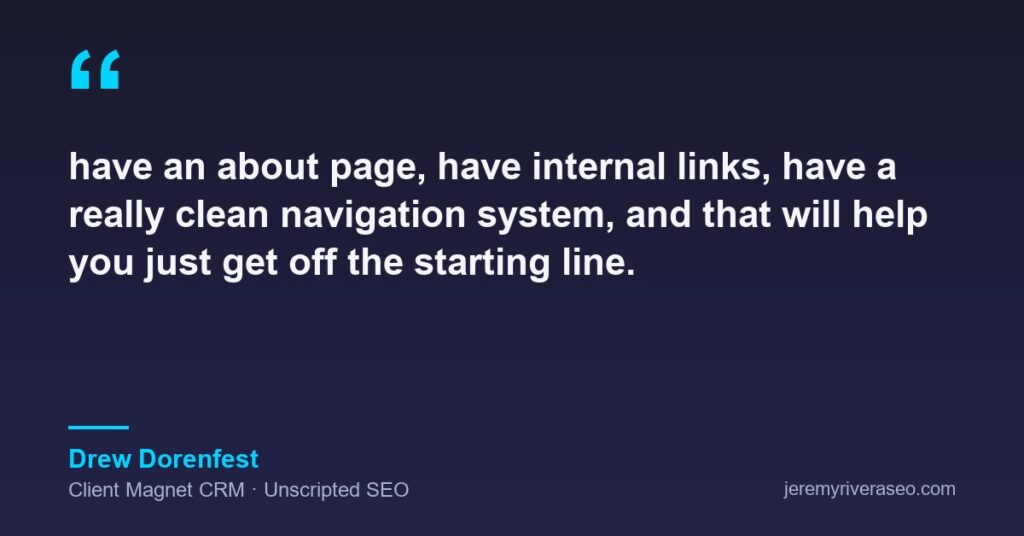
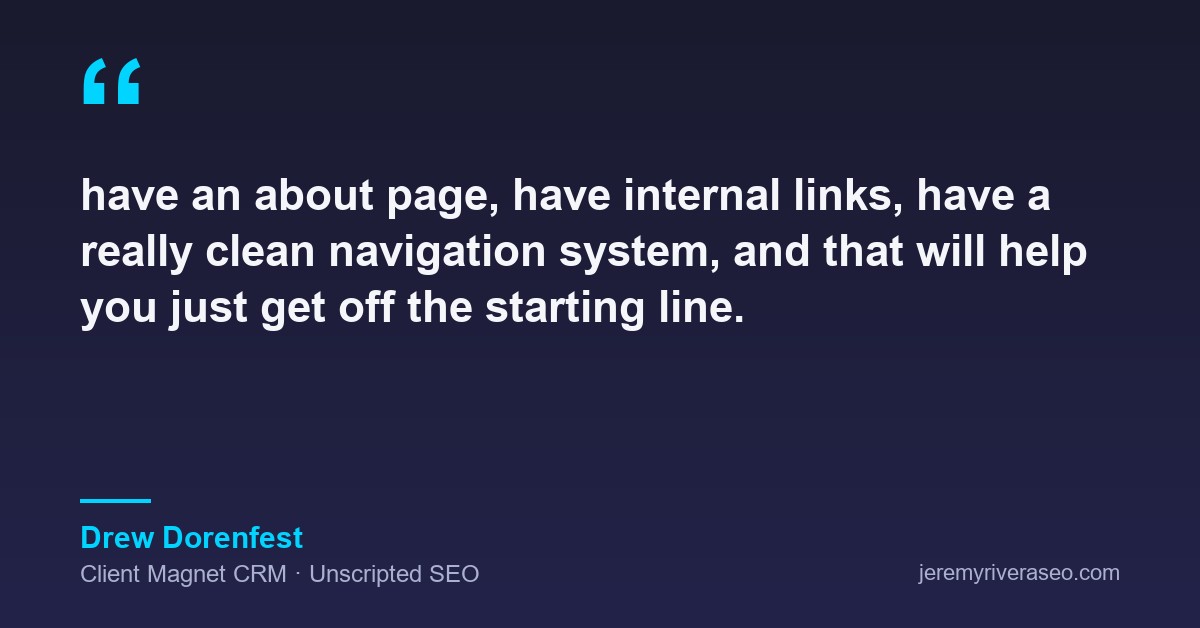
“have an about page, have internal links, have a really clean navigation system, and that will help you just get off the starting line.”
— Drew Dorenfest, Client Magnet CRM, Unscripted SEO
Your about page is where you prove you’re a real business run by real people, with a name, a town and a history. Internal links are how you point visitors (and Google) from your blog posts to the service pages that pay the bills. Clean navigation means somebody on a phone can get from your homepage to “call us” in two taps. If your site is the hub everything else points at, as I argue in your website is the center of everything, then these three are the hallways.
Where DIY stops and an audit is worth paying for
You can do everything above yourself. Here’s my take on where it stops being an afternoon project: when Search Console shows pages excluded from the index and you can’t tell why, when the site has moved domains or platforms and old URLs now 404, or when the problem lives in the code rather than the copy.
- Pages missing from the
site:check or flagged in Search Console’s indexing report - Redirect chains and broken links left over from a redesign
- Structured data, page speed or mobile layout problems
- Pages nothing on the site links to
That’s when a technical audit pays for itself, because somebody who reads these reports every week can spot the pattern faster than you can guess at it. My rates are public on the prices page, and the starting point is free.
| Task | Where you do it | You’re done when |
|---|---|---|
| Verify your site | Google Search Console | The property shows as verified and site: lists your key pages |
| Connect analytics | Google Analytics | Your own visit shows up in the realtime report |
| Claim your listing | Google Business Profile | Verified, every field filled, photos added |
| Titles and descriptions | Your CMS or SEO plugin | No two pages share a title or description |
| Headings | Your page editor | One H1 per page, H2s that read like an outline |
| Alt text | Your media library | Every meaningful image is described in plain words |
| About page and navigation | Your site menu | The about page exists and services are two taps from home |
| Meta keywords | Your SEO plugin | The field is empty |
If you’ve worked through the list and still can’t tell why a page won’t show up, book a free 30-minute call and bring your Search Console screen. We’ll look at it together and you’ll leave knowing whether it’s a DIY fix or an audit job. And when you’re ready for the parts that take months instead of an afternoon, the bigger picture is on my SEO for small businesses page.
So pick the afternoon. Put it on the calendar. The businesses that beat you in search usually aren’t smarter, they just did the boring list first.